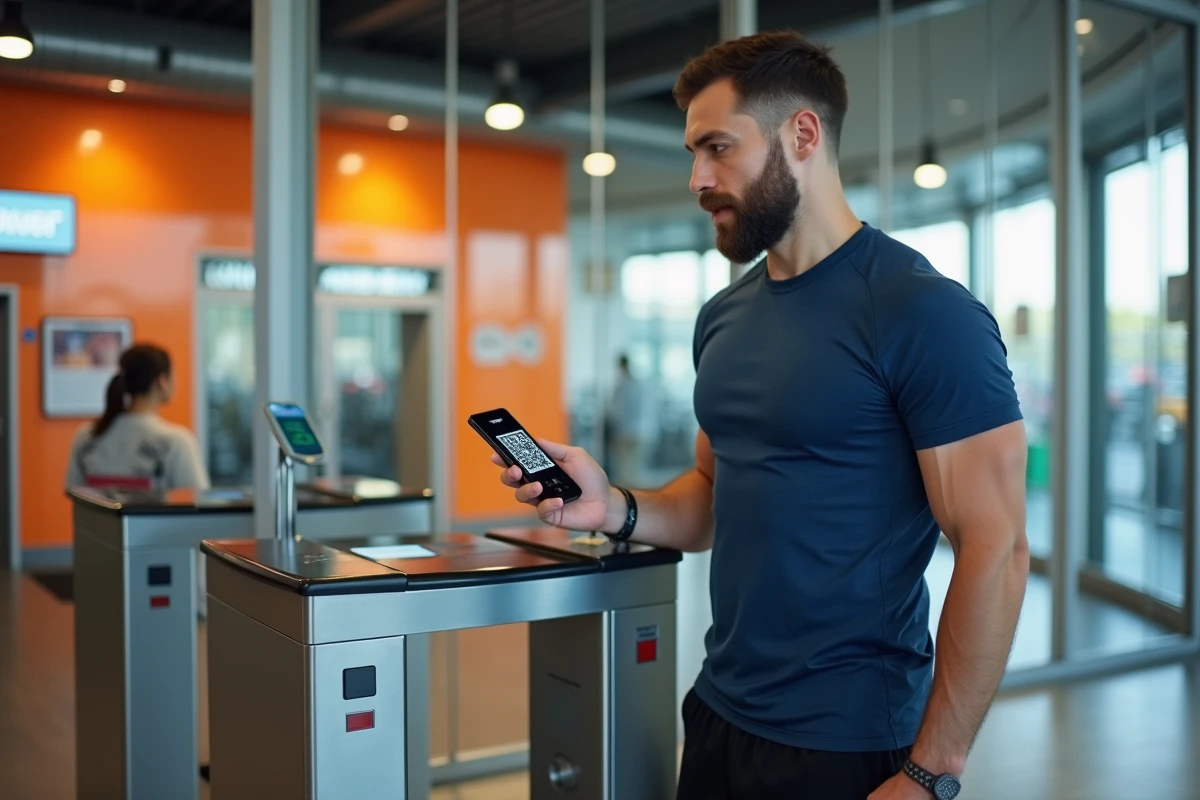
The QR code displayed in the Basic-Fit app is the primary means of access to the chain’s clubs. Each member scans this code on a reader at the entrance of the turnstile to unlock the passage. The system relies on a card identifier, a timestamp, and a verification hash linked to the member’s account and device. When the app is not functioning or the phone is unavailable, accessing the gym becomes a concrete problem.
Technical structure of the Basic-Fit QR code and its constraints
The QR code generated by the app contains several encoded data: a version identifier of the format, a membership card number, a timestamp (Unix timestamp), and a checksum. These elements are recalculated at regular intervals, making each code temporary.
The Basic-Fit terms and conditions (effective May 1, 2026) specify that a daily usage limit for the QR code is applied, as well as a maximum number of device changes allowed. This anti-fraud restriction prevents the code from being shared among multiple people. A QR code captured by a simple screenshot thus becomes unusable after a few minutes.
The hash integrated into the code is linked to the deviceId of the device, meaning a hardware identifier of the phone on which the app is installed. Displaying the same QR code on another device triggers a rejection at the turnstile. This functionality explains why sharing a screenshot or transferring the code via messaging is not a reliable solution for using a Basic Fit QR code without the app sustainably.
Physical Basic-Fit membership card: the real alternative to the digital QR code
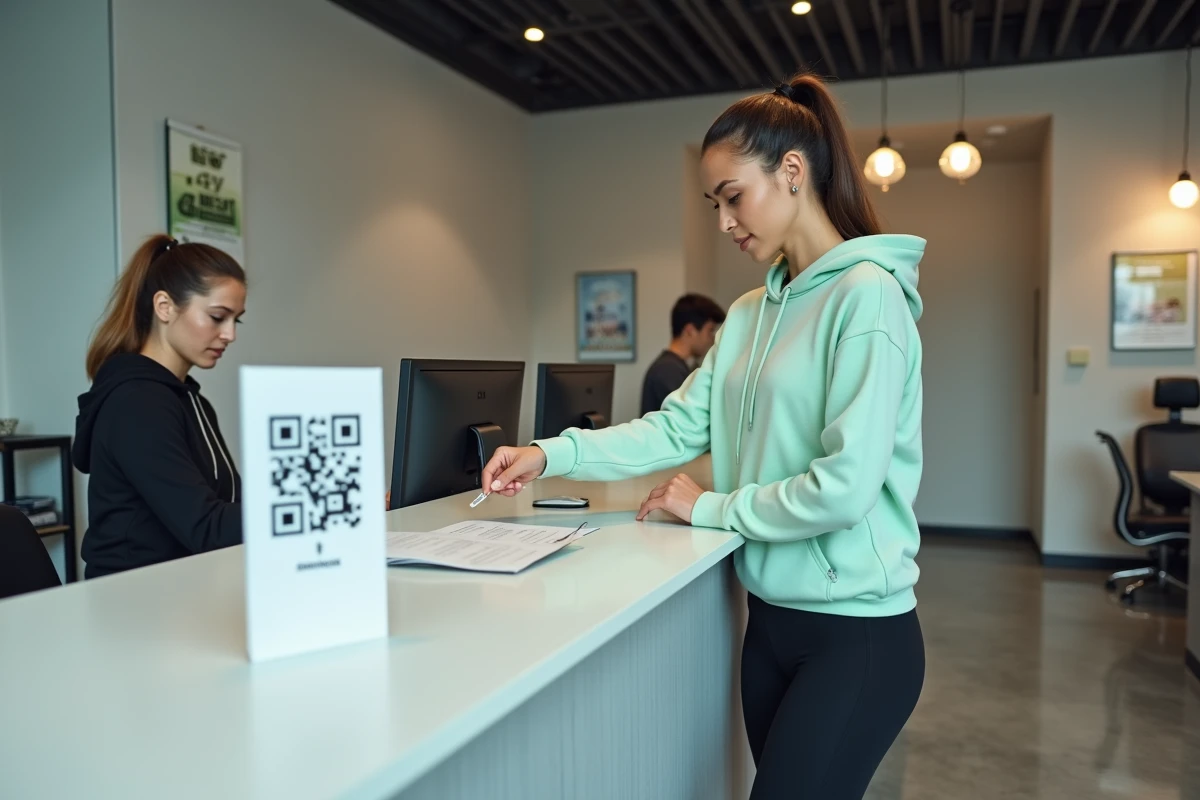
Basic-Fit offers a paid physical membership card that works independently of the app. This card activates instead of the digital QR code, and the two access methods are not cumulative: activating one automatically deactivates the other, according to article 6.a of the terms and conditions.
This card works by contact on the turnstile reader, like a classic badge. It requires neither a smartphone, nor an internet connection, nor a battery. For members who do not wish to depend on their phone, it is the only method officially provided by Basic-Fit.
The request for a physical card is usually made at the club or via customer service. Before switching, it should be noted that returning to the QR code will deactivate the physical card, and vice versa. This choice deserves careful consideration based on one’s habits: a member who frequently changes phones or whose battery regularly fails would benefit from opting for the physical badge.
Accessing a Basic-Fit club when the app is down
Several situations can prevent the QR code from being displayed: ongoing updates, a dead phone, network connection issues, or a recent device change that temporarily blocks code generation.
- If staff is present at the reception, providing an identity document along with the membership number generally allows manual passage through the turnstile. The staff verifies the identity in the system and opens access.
- Outside of hours with staff (Free Access, extended opening), no backup solution works without the physical card or a valid QR code. The club does not have an alternative recognition system.
- Contacting Basic-Fit customer service by phone or through the online member area can sometimes unlock a frozen QR code after a device change, but the processing time varies.
Access during Free Access hours (24/7) also requires completing a self-assessment of one’s physical condition and wearing a necklace equipped with an emergency call button. Without this device, entry without staff presence may be denied, QR code or not.
Precautions to avoid blocking the Basic-Fit QR code
The most common problem occurs during a phone change. The number of device changes for displaying is limited by the terms and conditions. Installing the app on a new smartphone and logging into one’s account can temporarily block QR code generation until the new deviceId is validated.
Some practices reduce the risk of facing a locked turnstile:
- Before changing phones, ensure that the Basic-Fit account is associated with an accessible email address to facilitate reconnection.
- Keep the app updated: outdated versions may stop generating valid QR codes after a server-side change.
- Keep the physical membership card as a backup if phone failures are recurrent, even if this means deactivating the QR code.
- Never share screenshots of the QR code: beyond the risk of penalties for fraud, the expired code will be rejected at the turnstile in any case.
The Basic-Fit QR code system relies on a strict coupling between the member account, the device, and the timestamp. This architecture makes any misuse technically ineffective in the short term. For members who simply want to enter the gym without relying on an app, the physical card remains the only sustainable option offered by the brand.